Building Maintainable Websites in 2026: A Non-Technical Founder's Guide
Build once, manage forever. A 2026 guide for non-tech founders on choosing the right tools, training your team, and keeping your site future-proof.
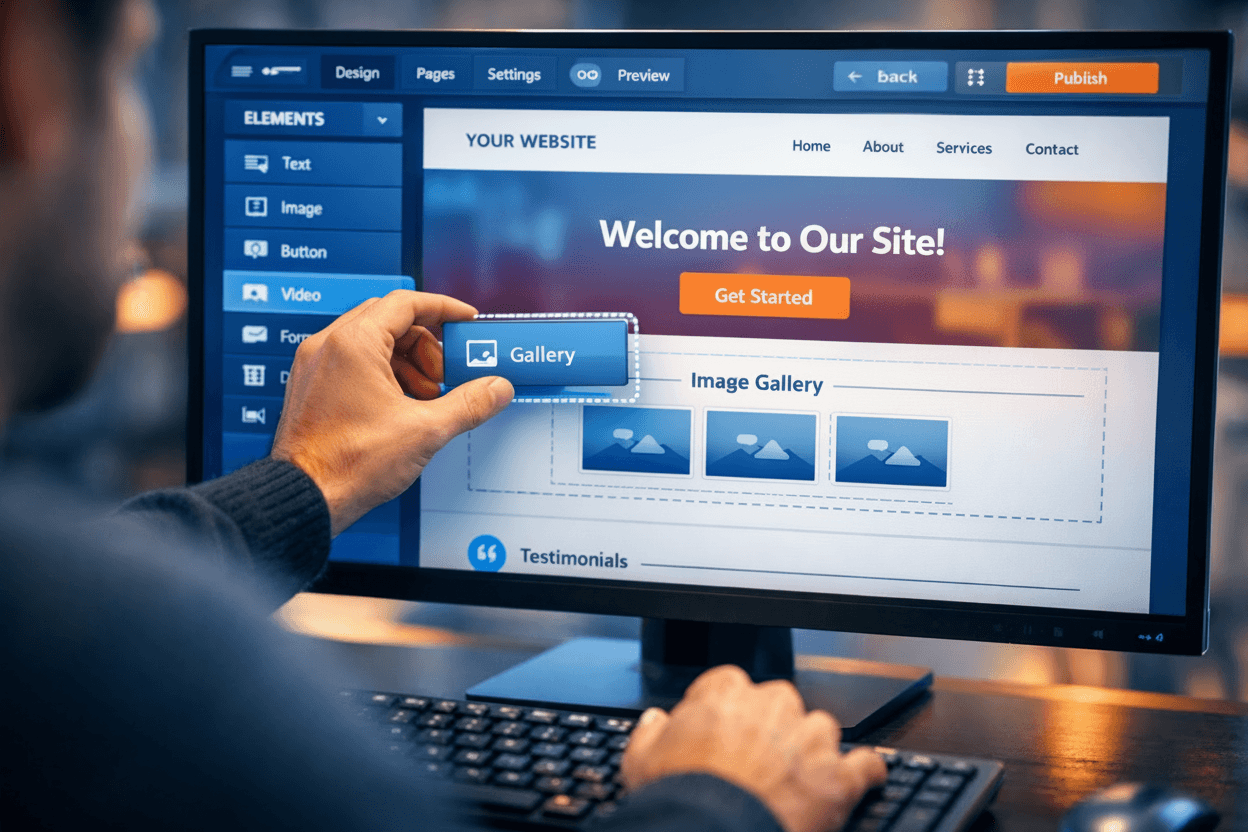
Your website is a core team member. It works 24/7. But what happens when it needs an update? A new service page. A changed price. A broken link.
You face a choice. Email a developer and wait. Or try to fix it yourself and risk breaking everything. This dependency kills momentum. It turns simple updates into week-long projects. The solution is not just building a website. It is building a maintainable website.
A maintainable site gives you control. Your team can edit text, swap images, and add blog posts. Without panic. Without code. This is not a luxury. It is a business necessity. Here is how to build one in 2026.
The Foundation: Choosing Your Tool (Tool vs. Custom Code)
The first decision is the most important. It sets your path for years. You have two main options. Understand the trade offs.
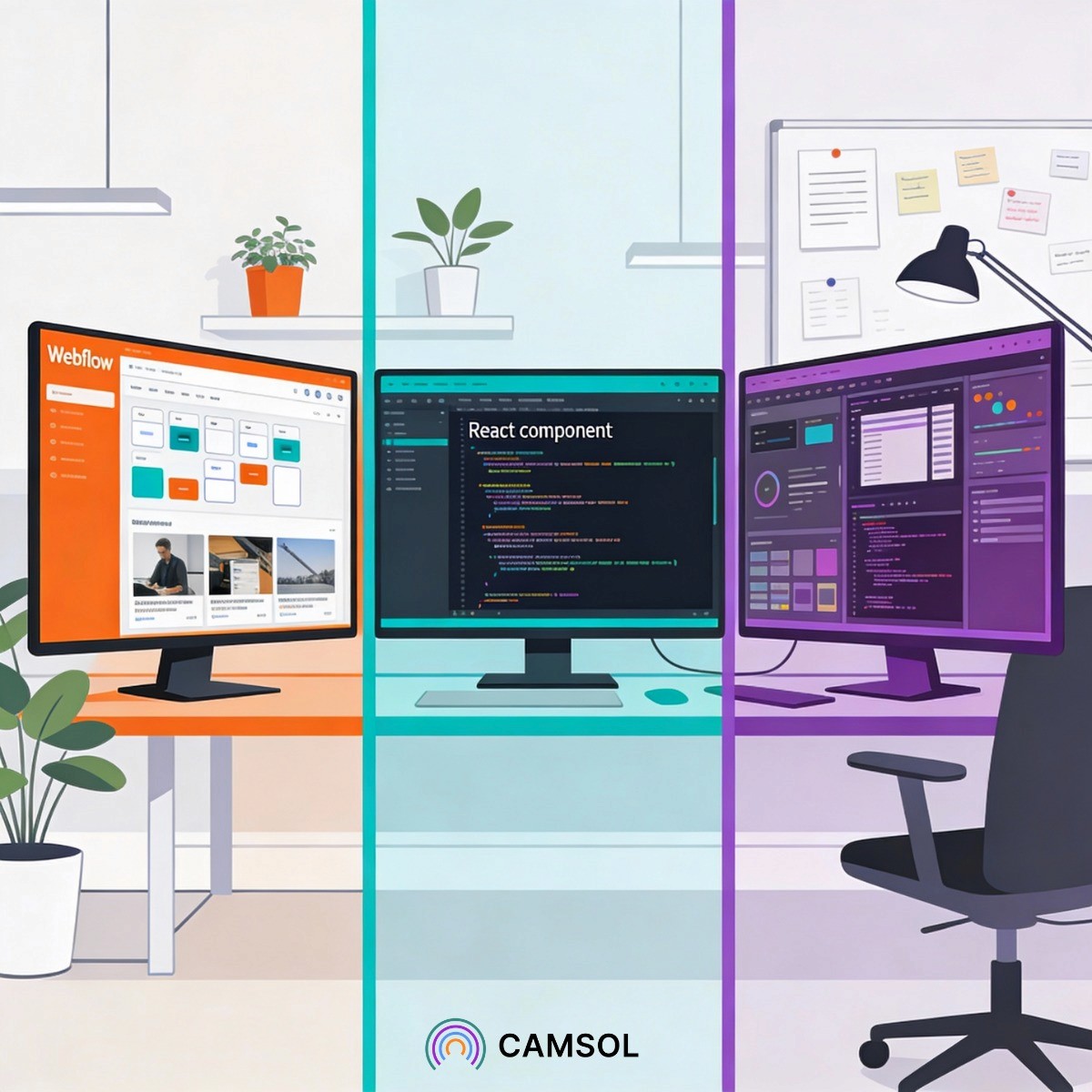
Option one is a visual development platform like Webflow, Wordpress or Framer. You build with a designer's interface. The platform writes clean, standard code for you. The benefit is direct control. You or your marketing team can log in and make changes. Visually. Today. The cost is platform reliance. You operate within its features and rules. It is ideal for marketing sites, blogs, and standard business platforms that need frequent, in-house updates.
Option two is custom code. Developers build your site from scratch using frameworks like Next.js or React. The benefit is total freedom. Every feature is possible. The cost is total dependency. Every comma change requires a developer. This suits complex web applications with unique functionality. For most founders, this is overkill for their public facing website.
The five minute rule applies here. If a common update takes your team more than five minutes to figure out or request, your tool has failed. Choose the tool that puts simple tasks back in your hands.
The Handover: Mandatory Training for Independence
A tool is only as good as the person using it. The handover from builder to owner is the most critical, and most skipped, phase.
Do not accept a finished website without training. Budget for it. Demand it. Effective training is not a two hour video dump. It is a structured, documented process.
Start with a personalized video library using Loom or Screen Studio. Two minute clips. How to update the team page. How to publish a news post. How to change a homepage headline. Create a simple, living document. A playbook. This becomes your team's source of truth.
The goal is not to make your team expert developers. The goal is to build confidence. To delegate the daily small tasks permanently. This investment pays off in saved time and preserved momentum within one quarter.
One founder we worked with launched a marketing site for their B2B SaaS tool using Webflow. Within a month, their community manager was publishing weekly blog posts and updating pricing pages independently after a single 45-minute training session. No dev tickets. No delays. Just execution.
The Non-Negotiable: Baking In Accessibility (WCAG)
Accessibility is often an afterthought. A costly retrofit. This is a strategic and legal mistake. In 2026, it must be part of the foundation.
An accessible website means everyone can use it. People using screen readers. People navigating with a keyboard. People with motor or visual impairments. This is the right thing to do. It is also smart business. You open your services to a wider audience. You significantly reduce legal risk under laws like the ADA and the European Accessibility Act.
This is not just about alt text for images. It is about color contrast ratios. Logical keyboard navigation. Proper HTML structure for screen readers. These standards are called WCAG. Your developer or chosen platform must build to these standards from the first line of code.
Retrofitting accessibility can cost ten times more than building it correctly from the start. Make it a requirement in your first briefing. Test for it before launch.
The Maintenance Rhythm: Planning for the Long Term
A website is not a project with an end date. It is a living asset. It needs a rhythm.
Establish a simple maintenance protocol from day one. Who is responsible for weekly updates? Who checks for broken links each month? Who reviews the site analytics every quarter? Put these tasks on a shared calendar.
Allocate a small annual budget for the inevitable. A critical plugin needs an update. A new design trend makes your site look dated. A fresh legal requirement emerges. Planning for this prevents panic.
The most maintainable website is one you own. You understand its tool. Your team is trained on its systems. Its core is built on stable, accessible standards. Its future is accounted for in your plan.
This approach turns your website from a source of monthly requests into a true business asset. It works for you. Not the other way around. Start your 2026 build with this goal, and you will own your digital presence for years to come.